
How to PC cable management

In modern office and home environments, the number of devices is increasing, and the problem of cable clutter is also increasing. Not only does it affect the appearance, but it may also hinder heat dissipation, reduce maintenance efficiency, and even bring safety risks.
Therefore, systematic cable management has become the key to improving work efficiency and equipment performance. This guide combines practical experience and shares feasible organizational tips to help you create a clean and efficient workspace through reasonable planning and appropriate tools.
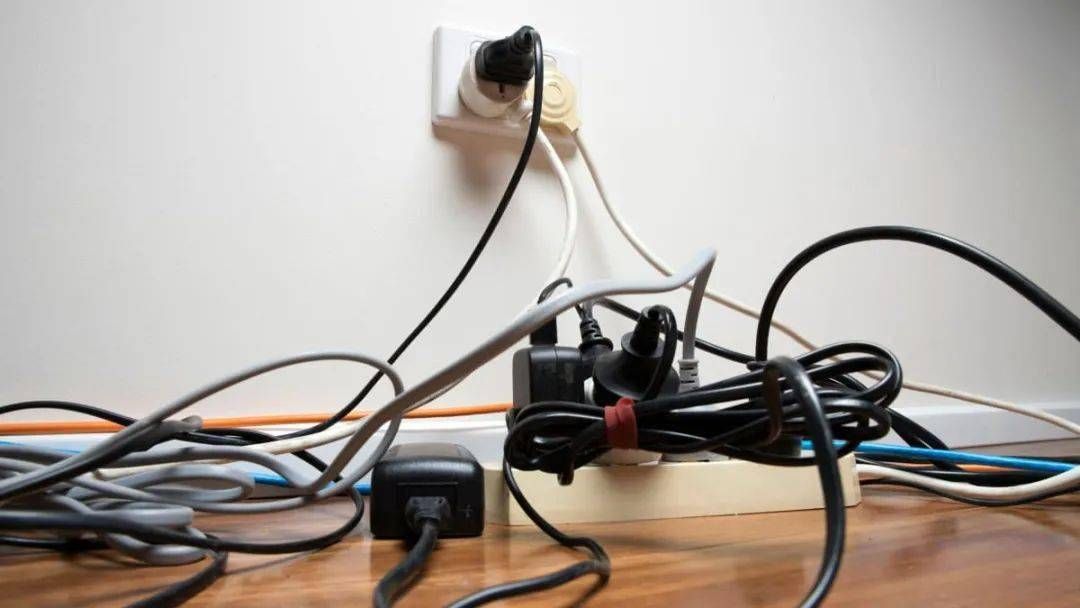
Step 1: Plan Before You Plug
Many people start to remove and plug in cables as soon as they organize them. In fact, truly effective cable management should start with planning. Before you start, figure out the following questions:
1. Where are your main devices placed?
For example, monitors, host computers, power strips, printers, speakers, etc., their locations will directly determine the direction of the cables.
2. Which cables do you often plug and unplug?
For mobile hard drives, power cords, mobile phone charging cables…it is best to reserve some movable space for these; otherwise, they have to be removed every time they are used, which is more troublesome.
3. Are there any wireless devices?
Mice, keyboards, speakers…Nowadays, many wireless products can be selected, which can greatly reduce the number of desktop cables.
Try to let the cables run along the back or bottom of the desktop, so that you can hardly see the cables on the front and sides, which is much cleaner visually and convenient for future cleaning. Remember: less is more. The fewer exposed cables, the neater the desktop.
Step 2: Use the Right Tools
The key to good cable organization is whether the right tools are used. Here are some very practical cable management tools:
1、Split braided sleeving
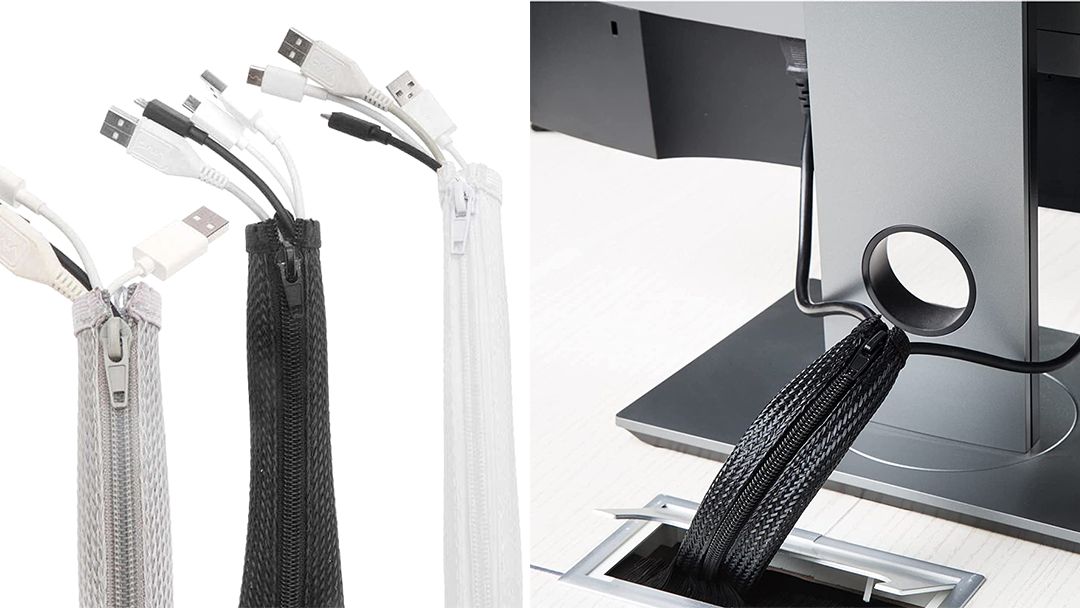
The split braided sleeving is a particularly convenient cable management tool. You don’t need to remove the plug, just “wrap” the cable from the opening to complete the storage. It is very suitable for desktop environments where cables are frequently added and removed. Whether it is a home computer, e-sports equipment, or an office workstation, it is a good helper for cable management.

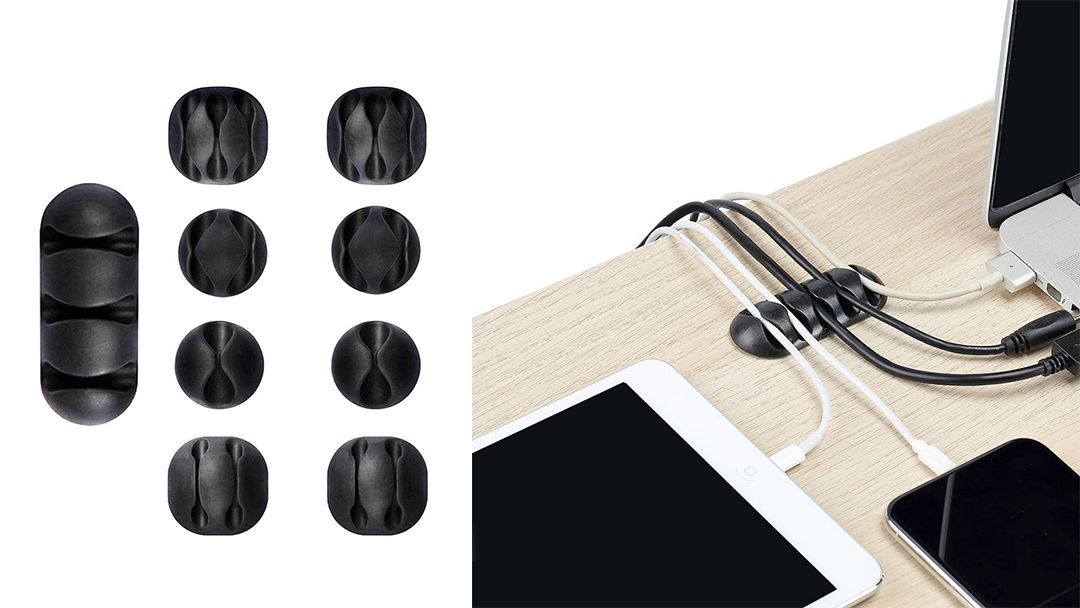
2、Adhesive Cable Clips
These small clips can be attached to the back of the table, on the table legs, or even in the corners of the wall to guide and fix the direction of the cables. Especially the headphone cable and charging cable, they will not run around after being clamped.
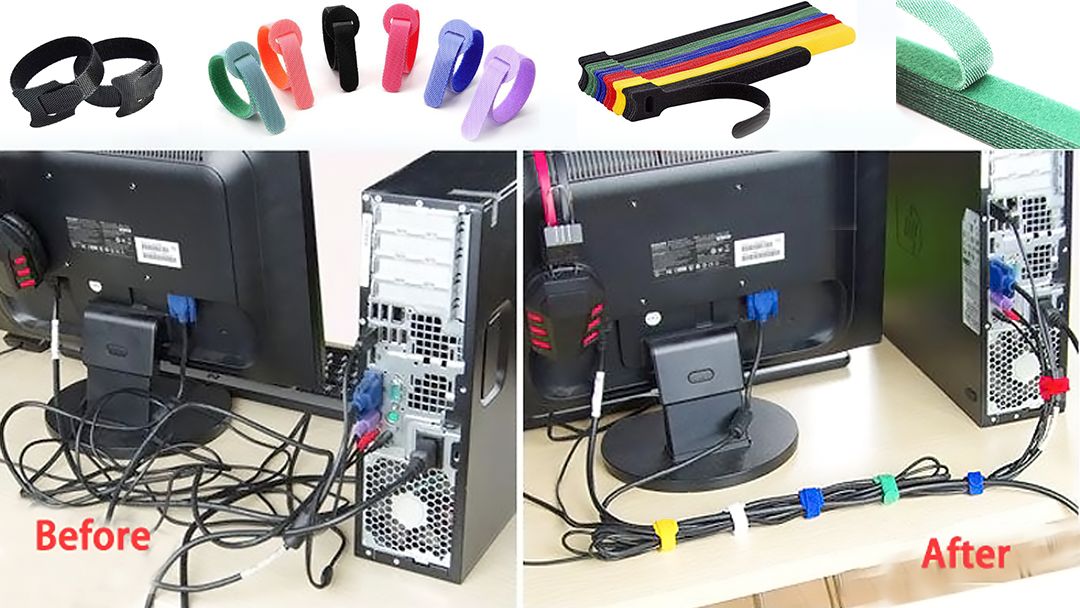
3、Hook-and-loop or Reusable Cable Ties
Reusable cable ties and hook-and-loop are both environmentally friendly and flexible. When you need to change equipment or add new cables, just tear and tie them gently, and the adjustment can be completed in seconds, saving time and worry.
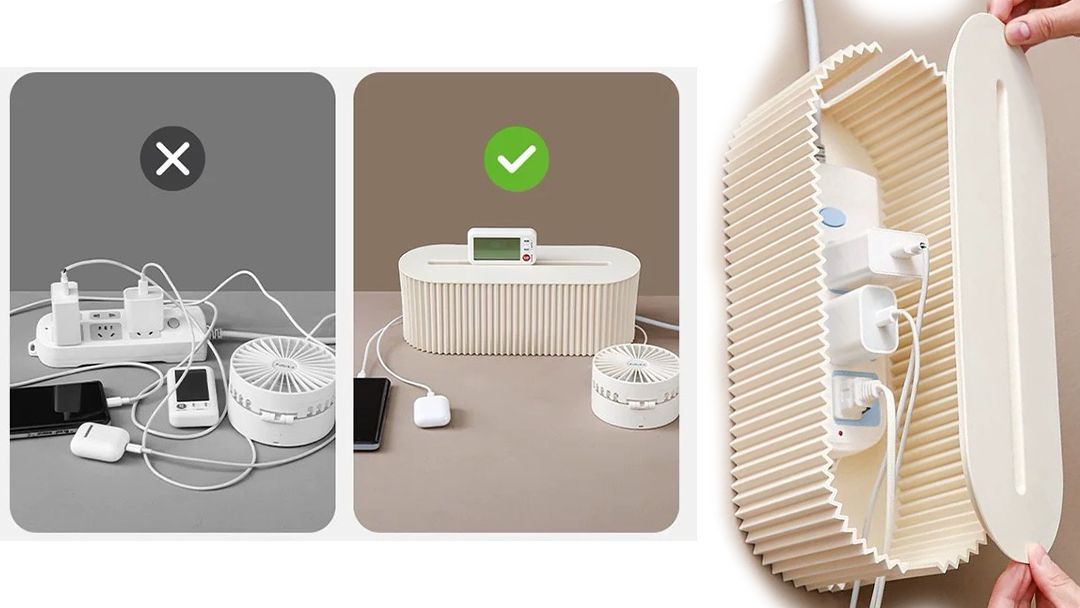
4、Cable Management Boxes
The pile of thick and messy power strips and chargers on the ground. A simple storage box can solve the problem: hide all the power strips and excess cables in it, making the ground tidier and safer without dust accumulation.
Step 3: Prioritize High-Visibility Zones
Not all cables require the same level of attention. Focus your efforts on areas that are most visible or most likely to get tangled:
1、On the Desk
Keep your desktop clean and tidy. Route the keyboard, mouse, etc., through the cable ring or behind the monitor stand, and use wireless devices as much as possible to reduce clutter and improve the overall look.
2、Inside the PC Case
Use hook and loop cable ties to organize power cords and fan cables to avoid blocking airflow, improve heat dissipation efficiency, and increase the cleanliness of the interior of the chassis.
3、Under the Desk
Secure and hide power and data cables with PET zipper braided sleeving to prevent them from hanging or becoming loose, reducing the risk of tripping, pulling, or damage.
Final Thoughts: Cable Management Is Worth It
Cable management is not only about making your desk look neat, but also an important step to create an efficient, comfortable, and stable working environment. With simple planning and the use of appropriate management tools, you can easily say goodbye to the mess of cables, provide better heat dissipation conditions for your equipment, and make maintenance and daily use smoother.
Ready to upgrade your setup? Explore our premium cable sleeves and accessories to take your cable management to the next level.
Hey there, I’m Aoife!

Get A Quote


Related Post You May Also Like
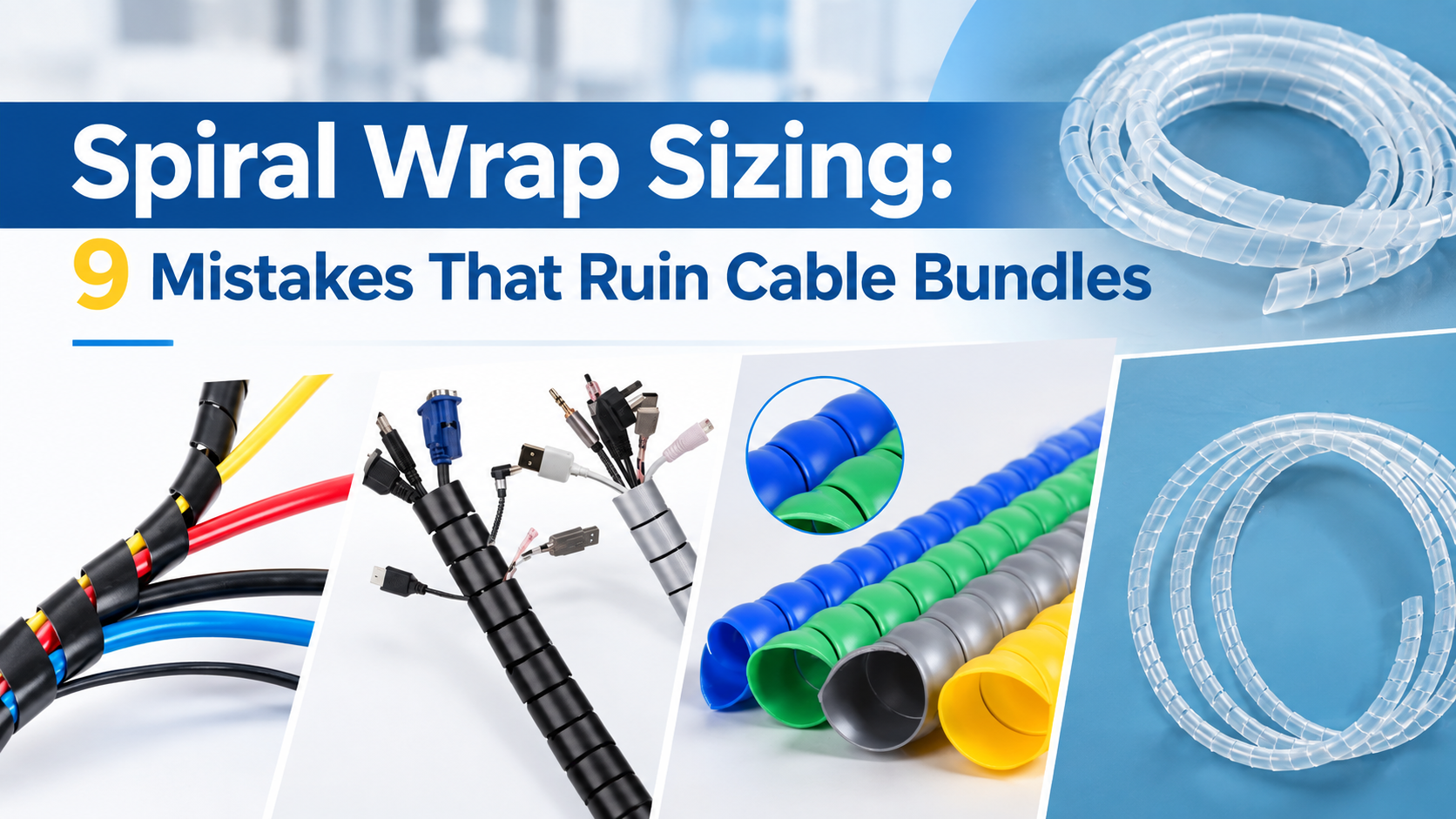
Spiral Wrap Sizing: 9 Mistakes That Ruin Cable Bundles
[pac_divi_table_of_contents included_headings="off|on|on|off|off|off" exclude_headings_by_class="on" active_link_highlight="on" level_markers_3="icons" title_container_padding="10px|15px|10px|15px|true|false" title_container_bg_color="#333333" body_area_height="650px"...
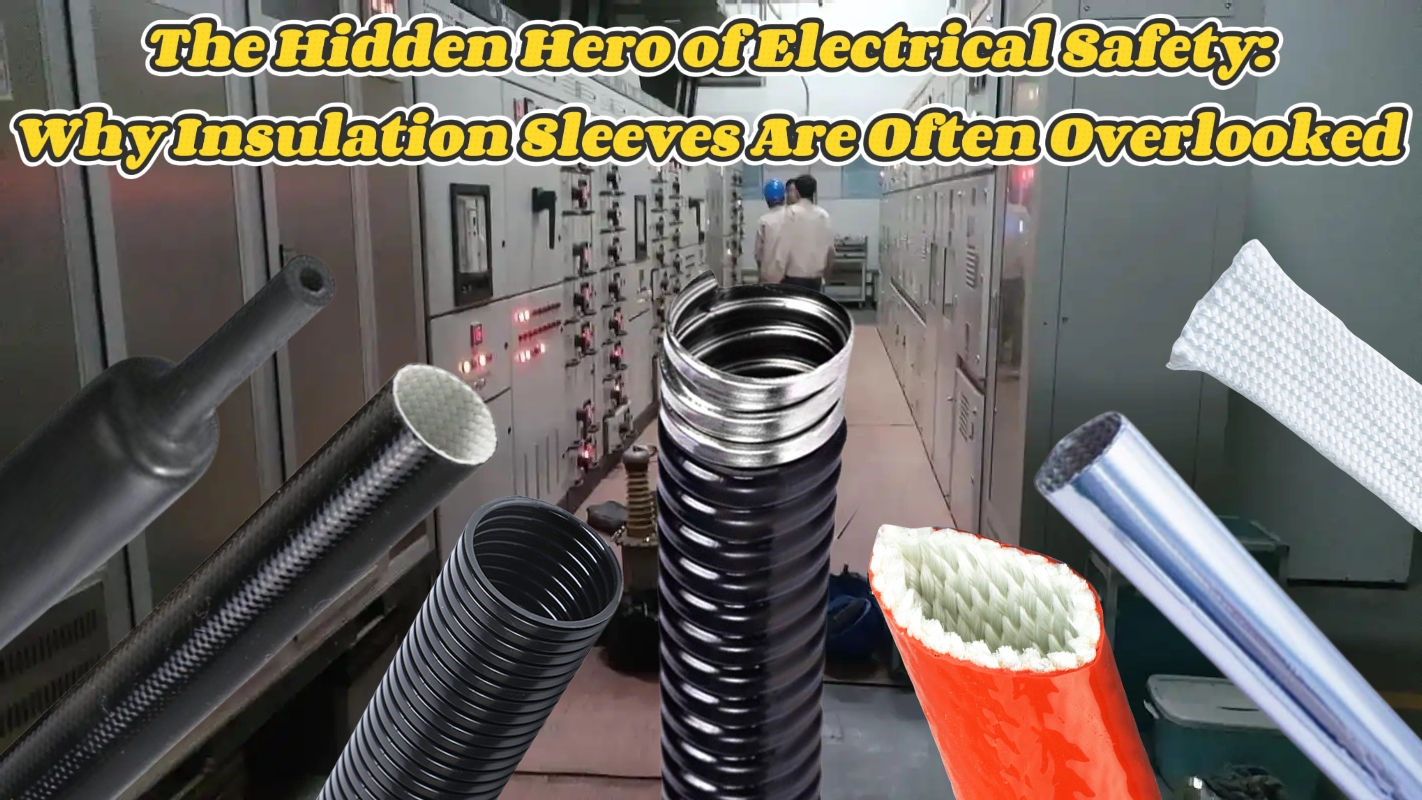
The Hidden Hero of Electrical Safety: Why Insulation Sleeves Are Often Overlooked
[pac_divi_table_of_contents included_headings="off|on|on|off|off|off" exclude_headings_by_class="on" active_link_highlight="on" level_markers_3="icons" title_container_padding="10px|15px|10px|15px|true|false" title_container_bg_color="#333333" body_area_height="650px"...
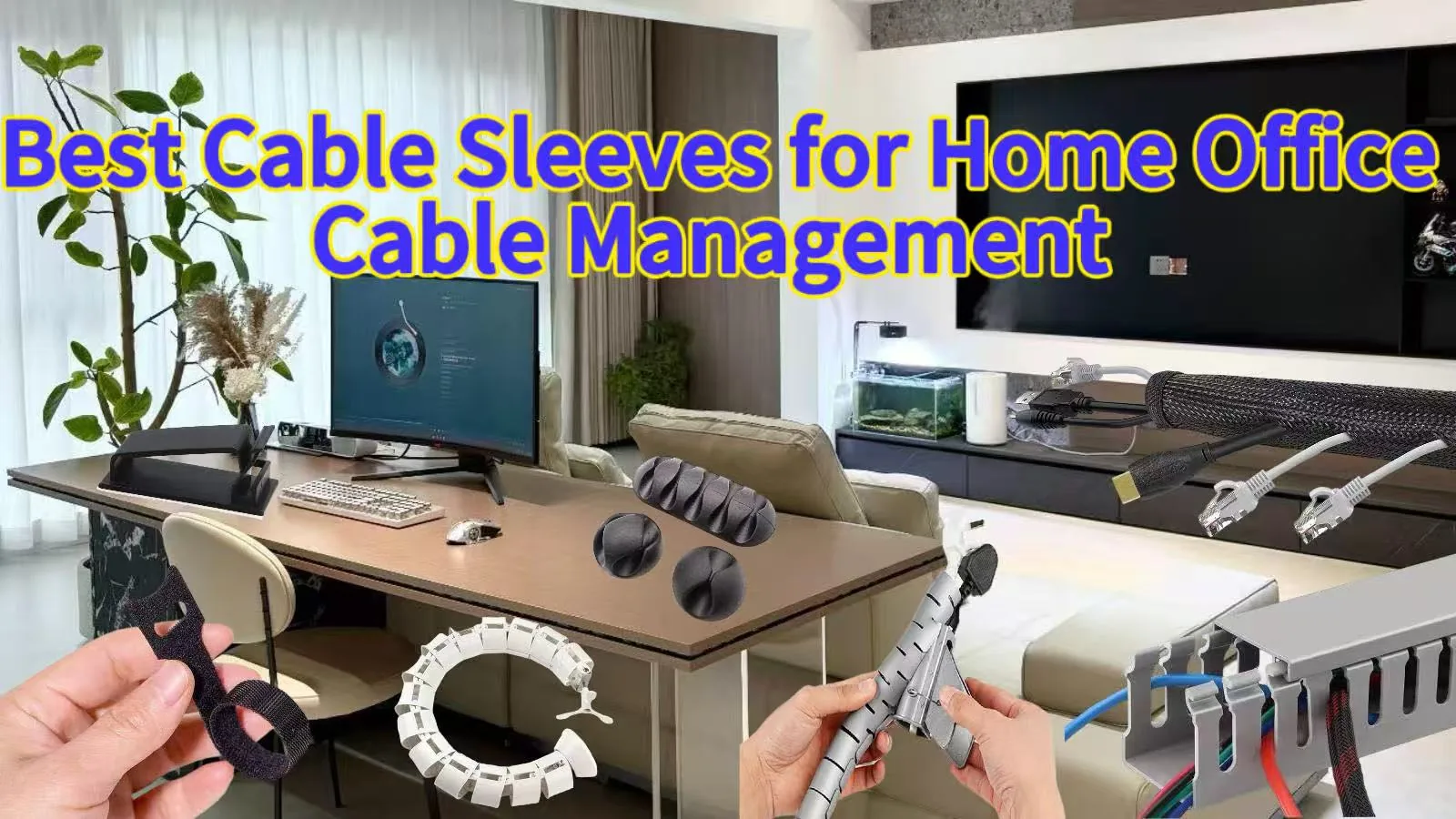
Best Cable Sleeves for Home Office Cable Management
[pac_divi_table_of_contents included_headings="off|on|on|off|off|off" exclude_headings_by_class="on" active_link_highlight="on" level_markers_3="icons" title_container_padding="10px|15px|10px|15px|true|false" title_container_bg_color="#333333" body_area_height="650px"...
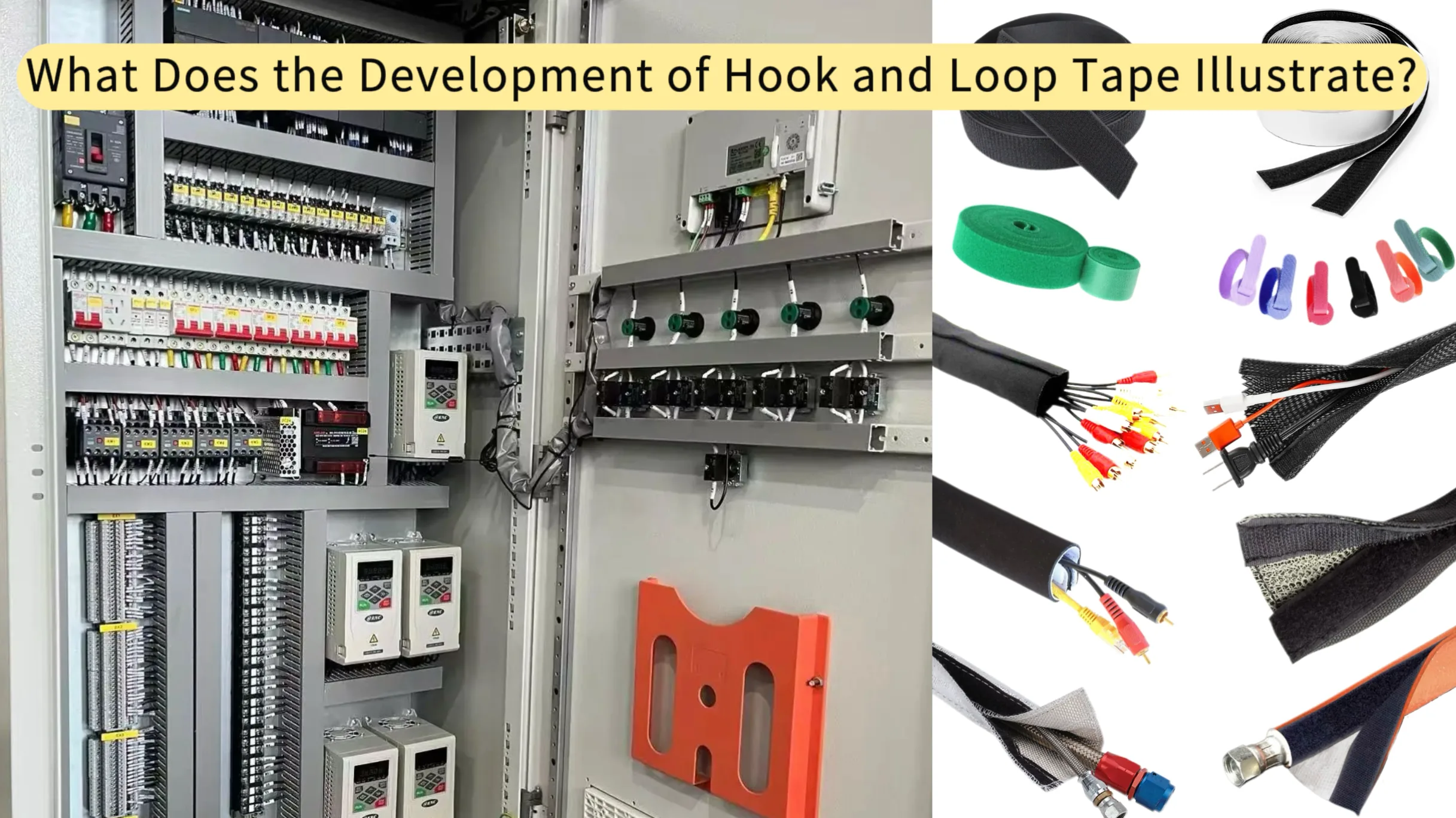
What Does the Development of Hook and Loop Tape Illustrate?
[pac_divi_table_of_contents included_headings="off|on|on|off|off|off" exclude_headings_by_class="on" active_link_highlight="on" level_markers_3="icons" title_container_padding="10px|15px|10px|15px|true|false" title_container_bg_color="#333333" body_area_height="650px"...
0 Comments